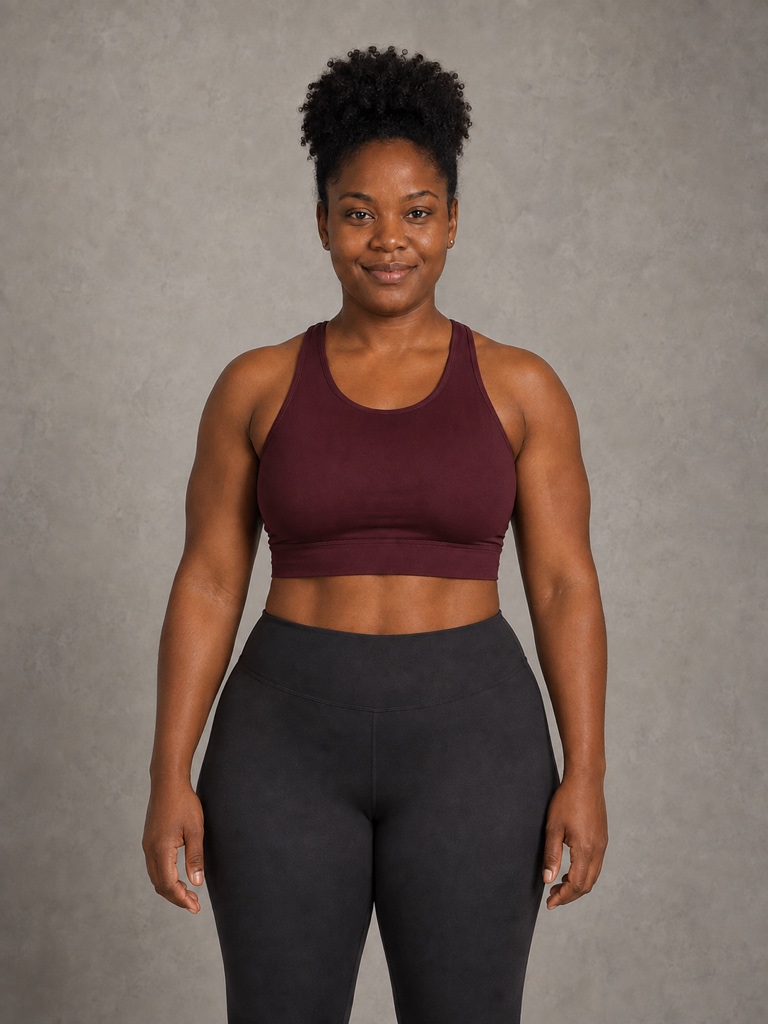
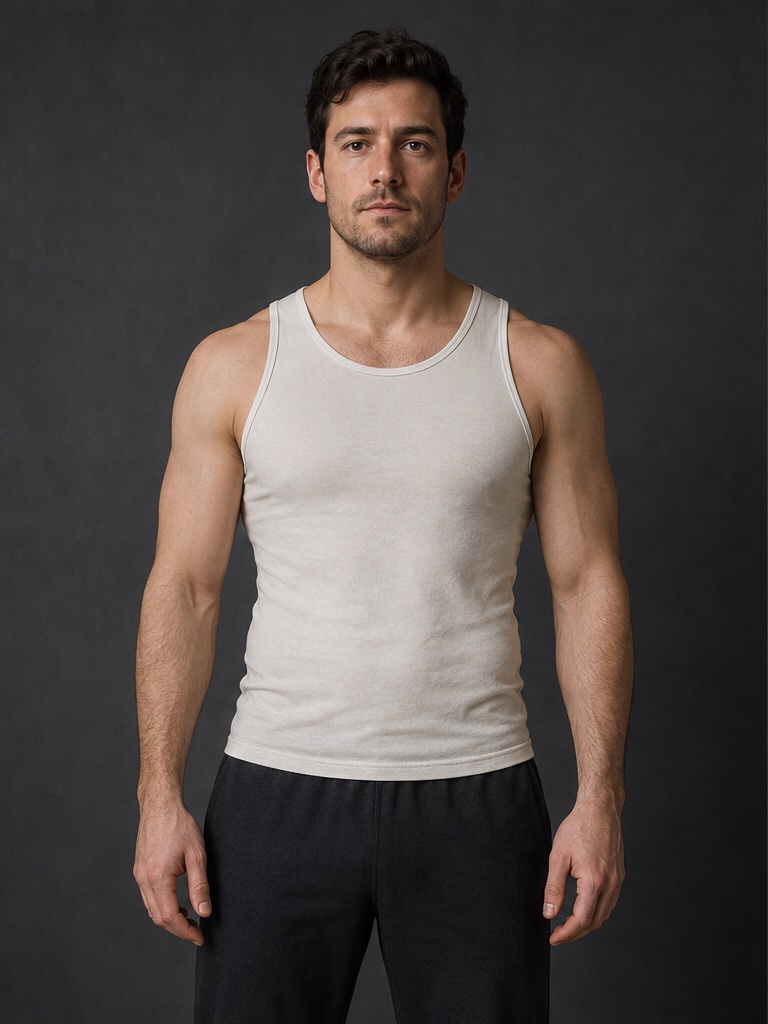
Muscles King connects choosing, creating, comparing, and saving in one short path. No complex templates and no profile to build first.
01
Choose a photo that is ready to edit
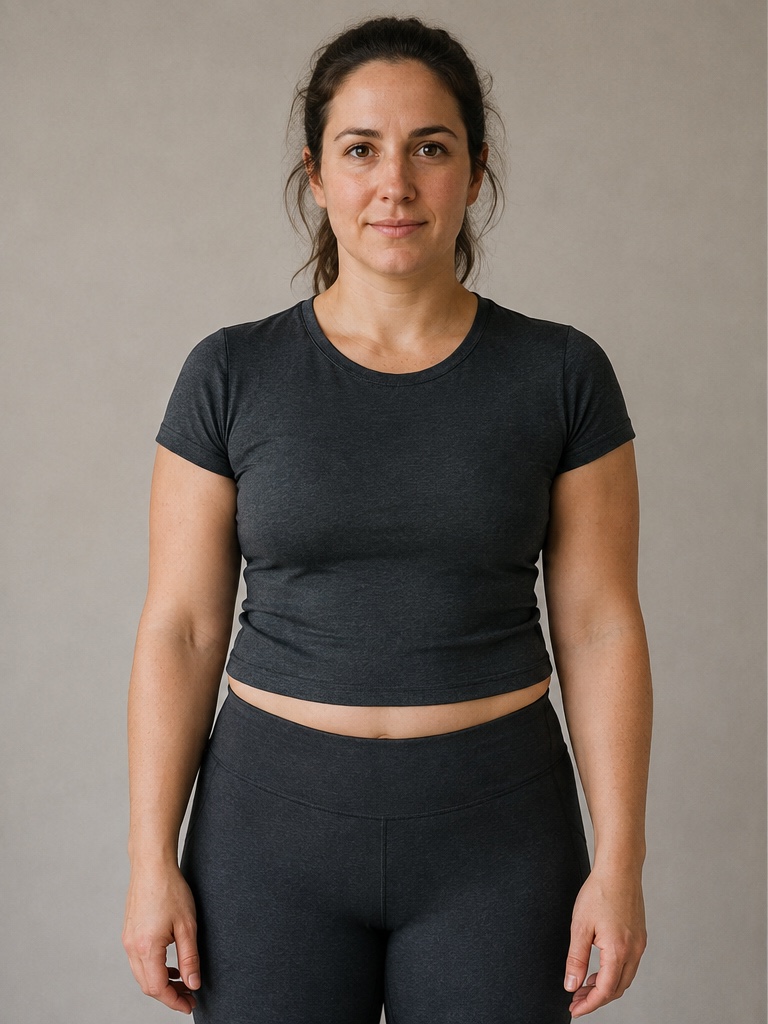
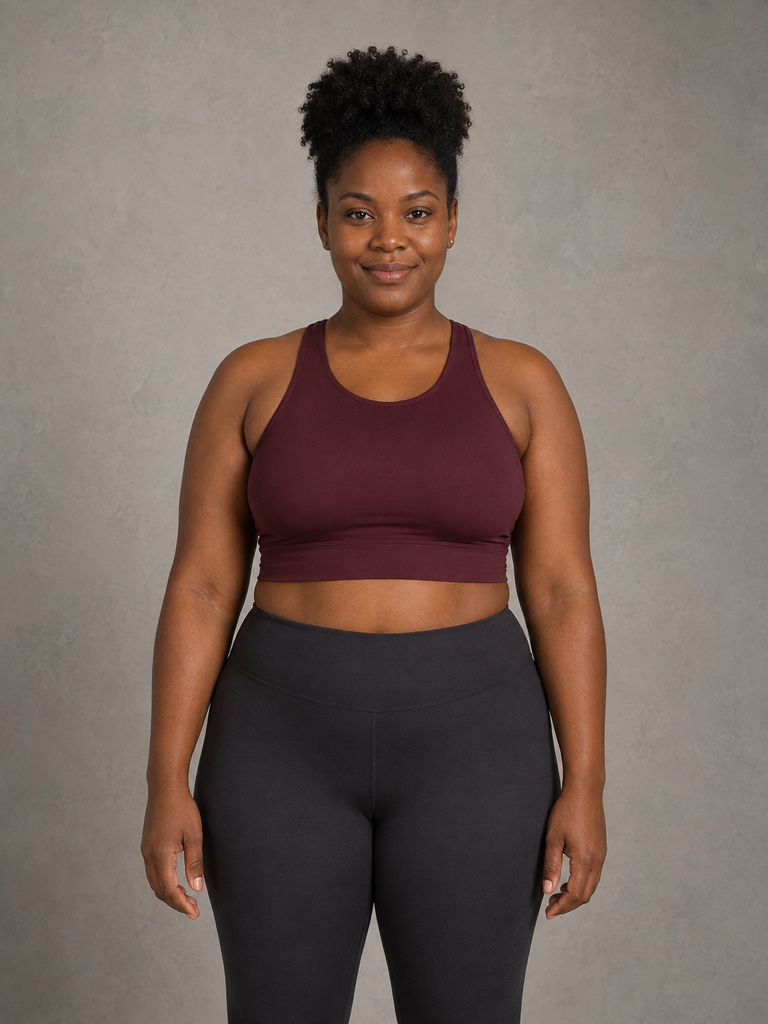
Pick from Photos or use the camera. Keep the full head and the body area you want to show in frame; clear, front-facing photos tend to produce steadier results.
Use only an adult photo you own or can edit
Recrop or replace the photo before generation
Quality guidance explains issues without making the choice for you
02
Choose a physique or portrait look
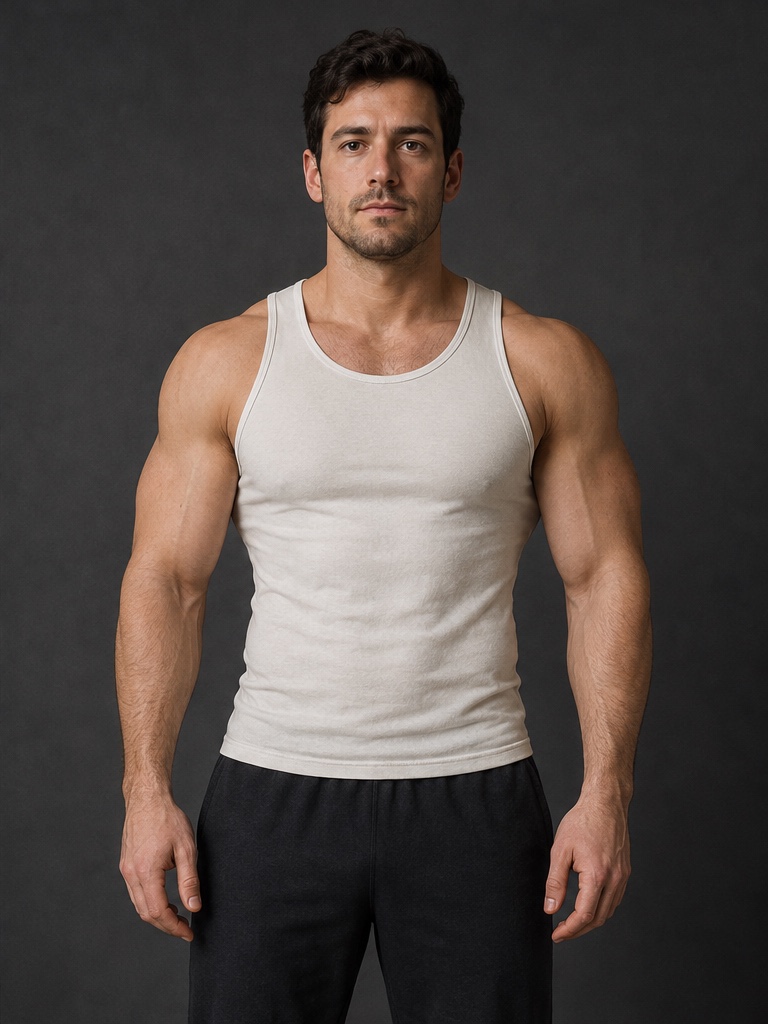
Classic, Muscle, Athletic, and Lean cover different physique directions. Studio, Cinematic, and Sunlit change the portrait treatment.
Select first, then explicitly start generation
Locked looks explain Pro before an action
Leave while creating and return to the result
03
Inspect the result before you save
Hold the result for the original, tap to enter full screen, and zoom into details. Save, share, or create a before-and-after clip when it feels right.
Turn local history off or clear it any time
Free saves and Pro benefits stay distinct
Return to the same photo when you want another try
COMPARE
Compare with the original — not your memory
The result view keeps the original close. Hold, zoom, and move between versions so you can decide whether the change feels natural.
PROCESSING BOUNDARIES
Only clear, verifiable explanations
Image generation requires an internet connection. Recent creation history stays on device and does not sync. Current allowances, save options, and subscription terms are always shown in the app.